
The Candela GentleMax Pro and its advanced successor, the GentleMax Pro Plus, represent the gold standard in dual-wavelength aesthetic and dermatologic laser platforms.
In modern aesthetic medicine, reliable uptime is directly tied to a clinic's financial viability. When a high-volume platform like the GentleMax Pro experiences optical misalignment, power supply degradation, or calibration failure, daily revenue halts.
When a system malfunction occurs, the laser system enters a fault condition. The laser system beeps and displays a fault message. It continues to beep every 10 seconds until the fault is cleared.
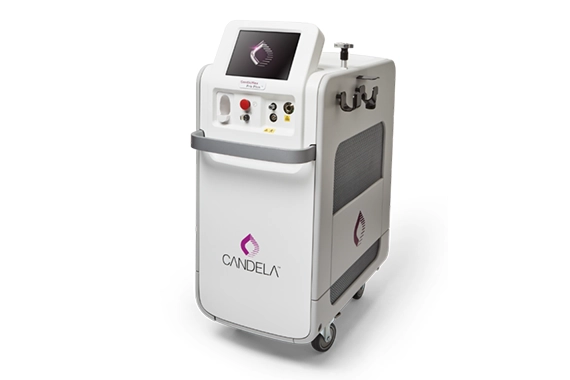
Candela GentleMax Pro (GMax Pro) & (GMax Pro Plus) Repair & Preventive Maintenance
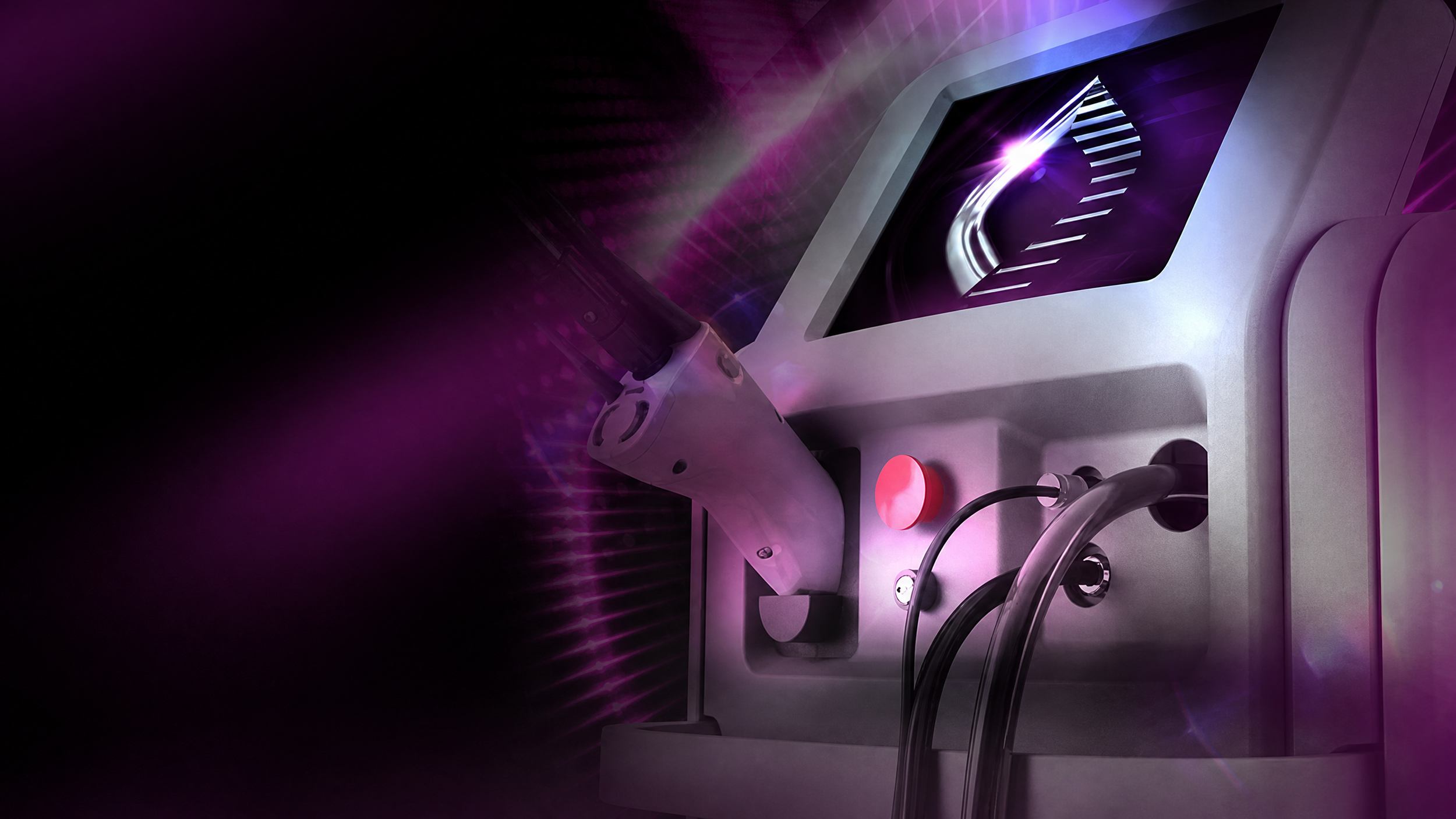
Candela GentleMax Pro & GentleMax Pro Plus common issues
Medical aesthetic lasers operate under extreme thermal and electrical stress. Over thousands of high-energy pulses, optical components accumulate microscopic debris, high-voltage power supplies experience capacitor aging, and calibration targets drift. Below are the most frequent technical issues encountered on the GentleMax Pro series, along with diagnostic indicators for clinic staff.
1. Optical Transmission and Calibration Failures (Error 6.1 / Transmission Drop)
•The Issue: The system measures internal optical transmission between the delivery fiber, handpiece optics, and the internal calibration meter. When transmission drops below acceptable factory thresholds (typically 70%–75%), the system flags a calibration or transmission error.
•Root Cause: Accumulation of micro-dust, plume residue, or pitting on the handpiece window, protective window lenses, internal focusing lenses, or delivery fiber tip.
•Service Solution: Professional ultrasonic cleaning, lens polishing, or optical replacement, followed by a full system power calibration using certified power meters.
2. High-Voltage Discharge and Power Supply Faults (Error 5.3 / 14.1 / 14.2)
•The Issue: The laser fails to discharge stored capacitor energy into the flashlamp, or abruptly halts operation during a treatment sequence with a high-voltage dump circuit error.
•Root Cause: Aging energy storage capacitors, degraded flashlamp electrodes, high-voltage transformer breakdown, or dust accumulation on inverter boards causing electrical arcing.
•Service Solution: Component-level diagnostic testing, oscilloscope verification of pulse-forming networks, flashlamp replacement, and high-voltage insulation testing by a trained biomedical technician.
3. Dynamic Cooling Device (DCD) Freezing and Solenoid Faults
•The Issue: Inconsistent cryogen spray, frosting on the handpiece tip, or failure of the cryogen to actuate during a laser pulse.
•Root Cause: Clogged or contaminated solenoid valves, moisture contamination in the cryogen line, empty or low R-134a cryogen canisters, or worn handpiece electronic contacts.
•Service Solution: Solenoid valve rebuild or replacement, system line purge, electrical contact cleaning, and pressure regulator verification.
Candela GentleMax Pro & GentleMax Pro Plus Repair Support
US Lasers provides practical service support for clinics operating Candela GentleMax Pro and GentleMax Pro Plus systems. Our technicians can assist with system diagnosis, preventive maintenance, calibration, optical alignment, handpiece and delivery system evaluation, cooling system inspection, OEM parts sourcing, and emergency repair.
When requesting service, please provide the exact error code or warning displayed, the laser model and serial number, the facility location, a description of the problem, and whether the system is completely down, producing reduced output, or experiencing an intermittent issue. These details help us prepare for an efficient evaluation and determine the appropriate service response.
GentleMax Pro and GentleMax Pro Plus Preventive Maintenance
Preventive maintenance for a Candela GentleMax Pro or GentleMax Pro Plus is intended to identify developing problems before they result in an unexpected treatment interruption. A service assessment may include inspection of the handpiece, delivery components, optics, cooling system, electrical connections, safety systems, output, calibration, and pulse consistency.
The recommended maintenance interval depends on the model, operating conditions, treatment volume, service history, and manufacturer guidance. USL can help determine whether the issue requires routine preventive maintenance, a targeted repair, calibration, alignment, parts replacement, or a more comprehensive inspection.